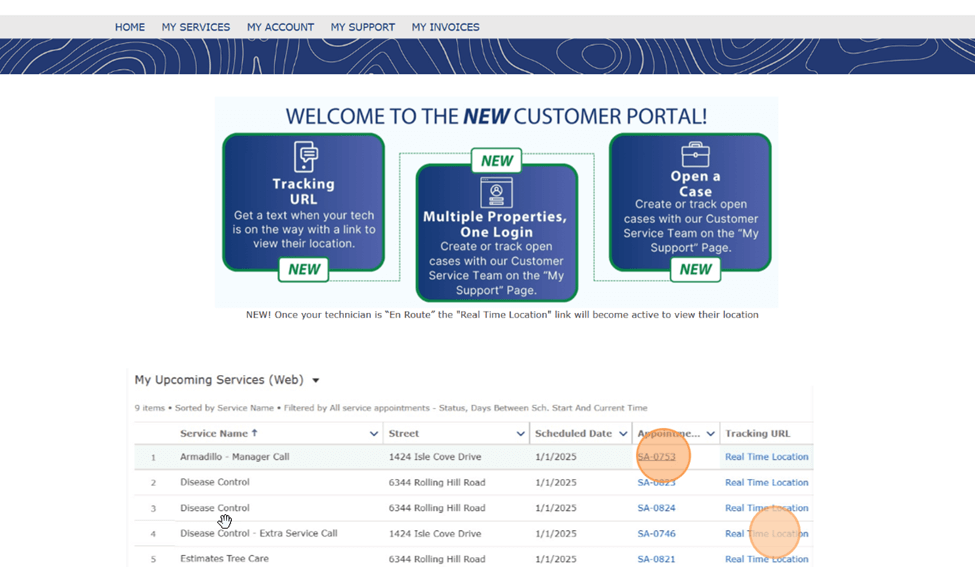
Get a text when your tech is on the way with a link to view their location.
Manage the status and invoices for multiple properties in one account.
Create or track open tickets (cases) with our Customer Service Team on the “My Support” Page.
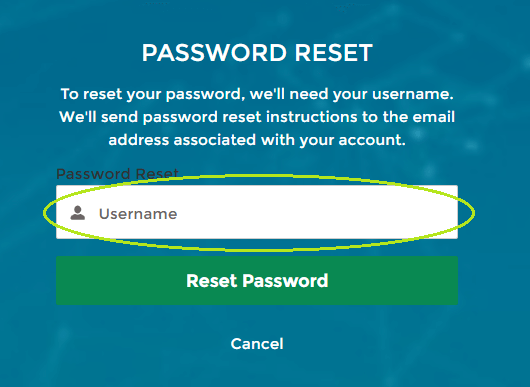
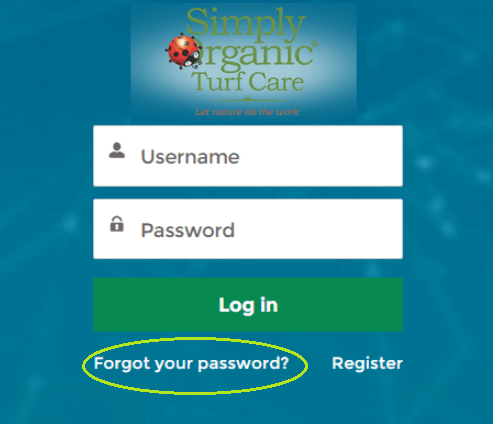
Within the email, you’ll find your new username. Copy your new username and paste it into the Password Reset screen.
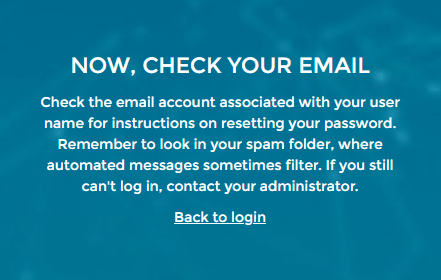
After you select “Reset Password”, open your email and follow the instructions to continue with the password reset.
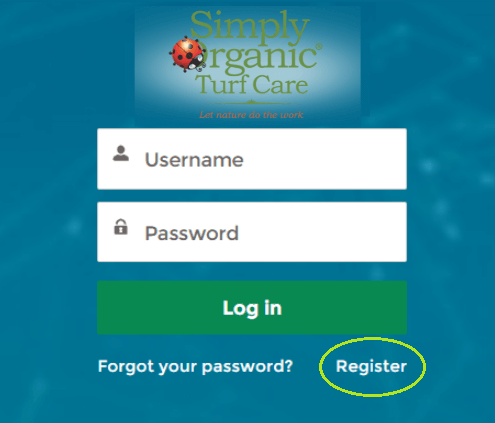
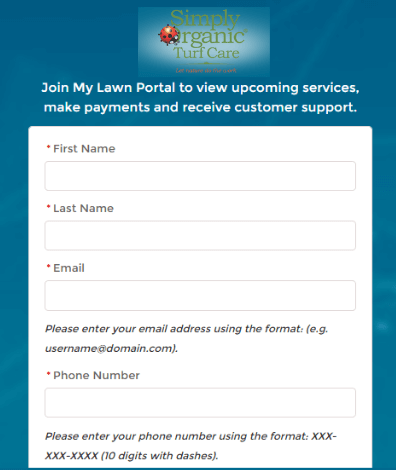
Fill out the form and select “Register”.
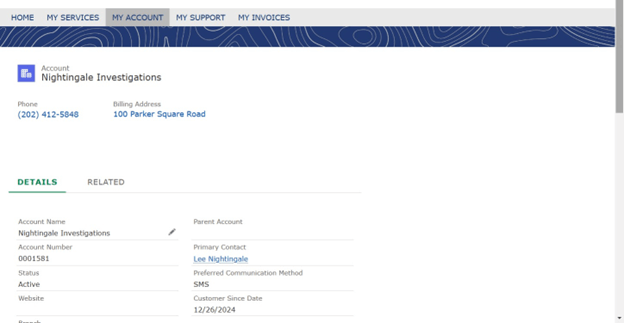
Once logged into the Customer Portal, click “My Account.” You’ll find the account owner, phone number, and billing address along the top.
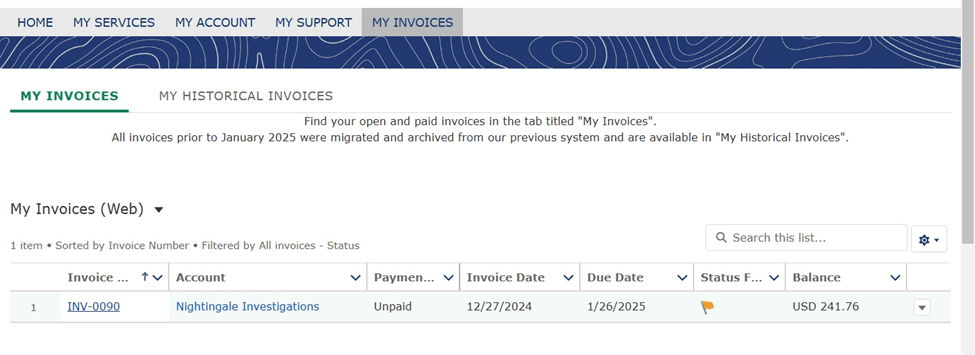
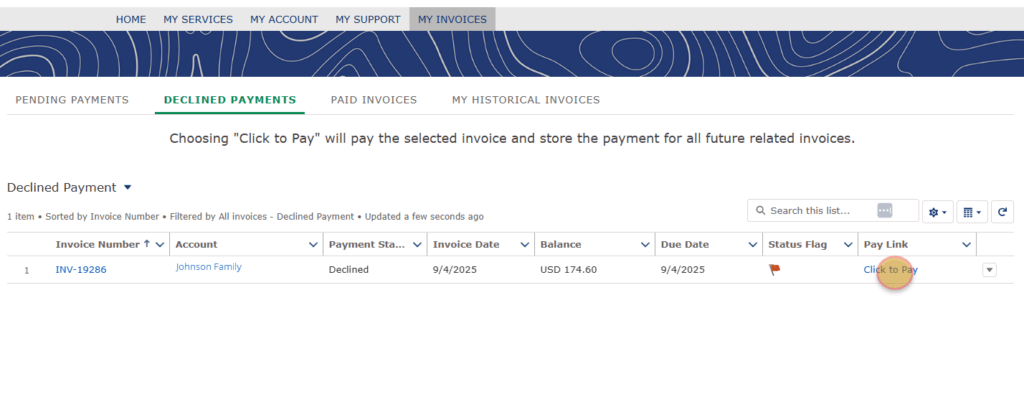
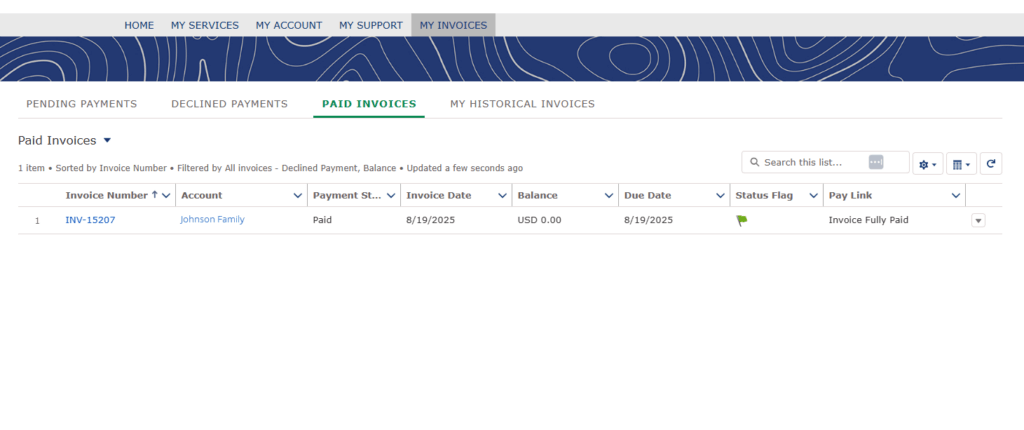
When logged into your Customer Portal, click “My Invoices” in the main menu. Select the “Pending Invoices” or “Declined Invoices” tab, then click “Click to Pay”.
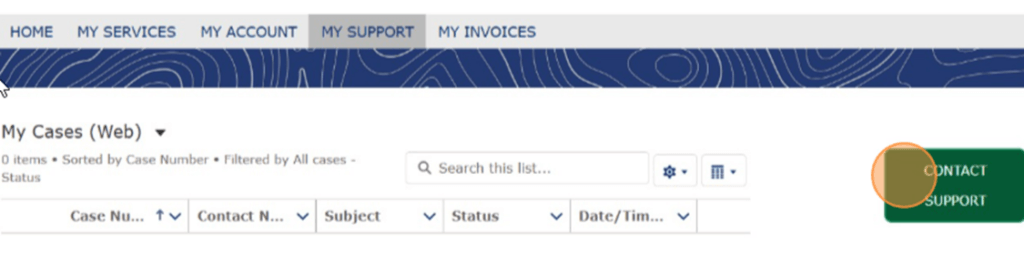
Customers cannot add or change a service from the Customer Portal, but they can request a change from the Portal by visiting “My Support” and clicking “Contact Support” to open a new ticket with our Customer Service Team.
We’re happy to help! To link multiple properties under your Customer Portal, just email our team at CustomerCare@simplyorganicturfcare.com.
We’ll get everything set up for you.
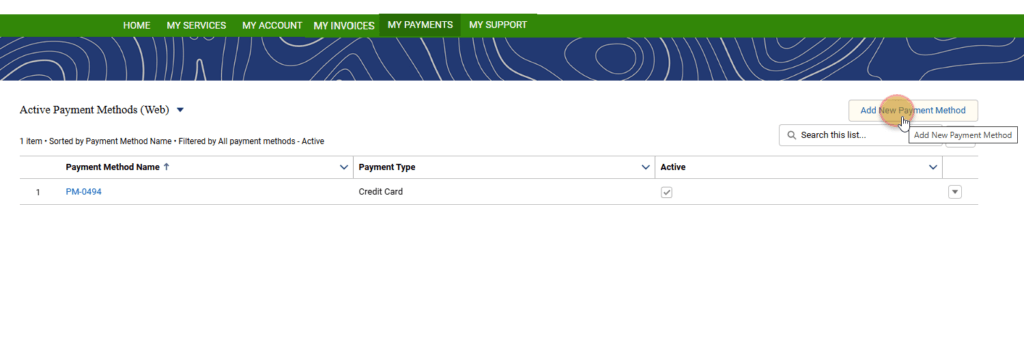
We care about you and protecting your data. We keep your credit card information safe by utilizing tokenization. Card information is never stored directly in the system, instead it is replaced with unique tokens that only the payment gateway can decrypt, significantly reducing the risk of data exposure.